How to delete a snapshot
DBLab Engine must be version 4.0 or higher.
GUI
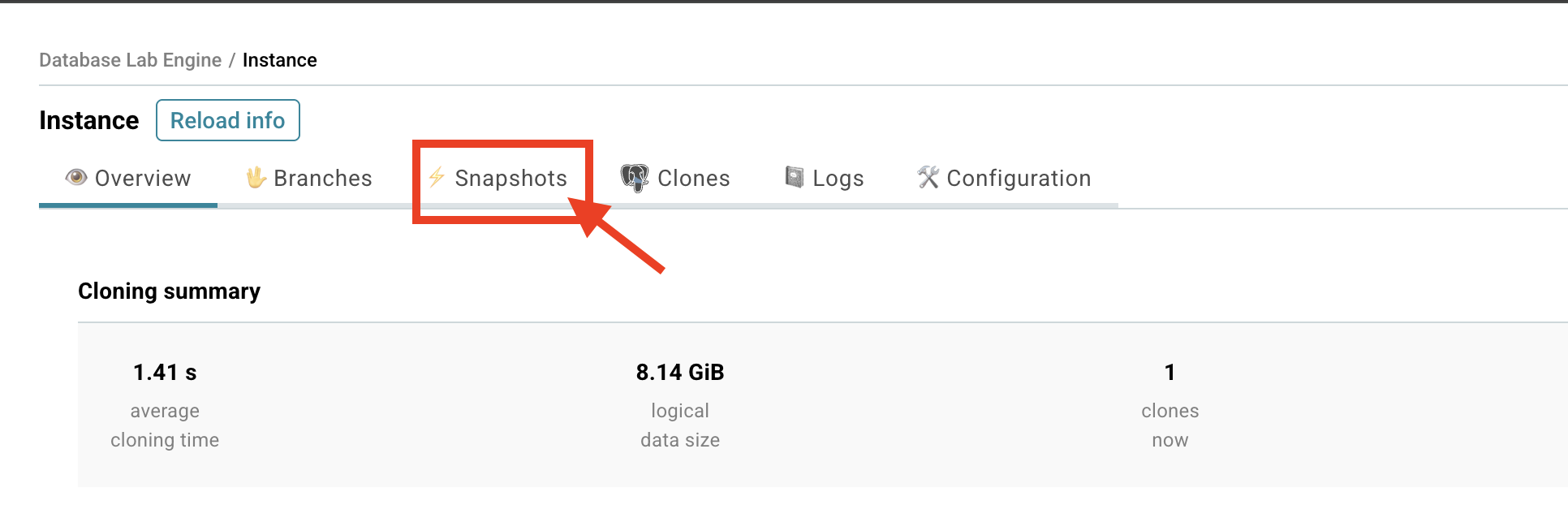
- Go to the Database Lab instance page.
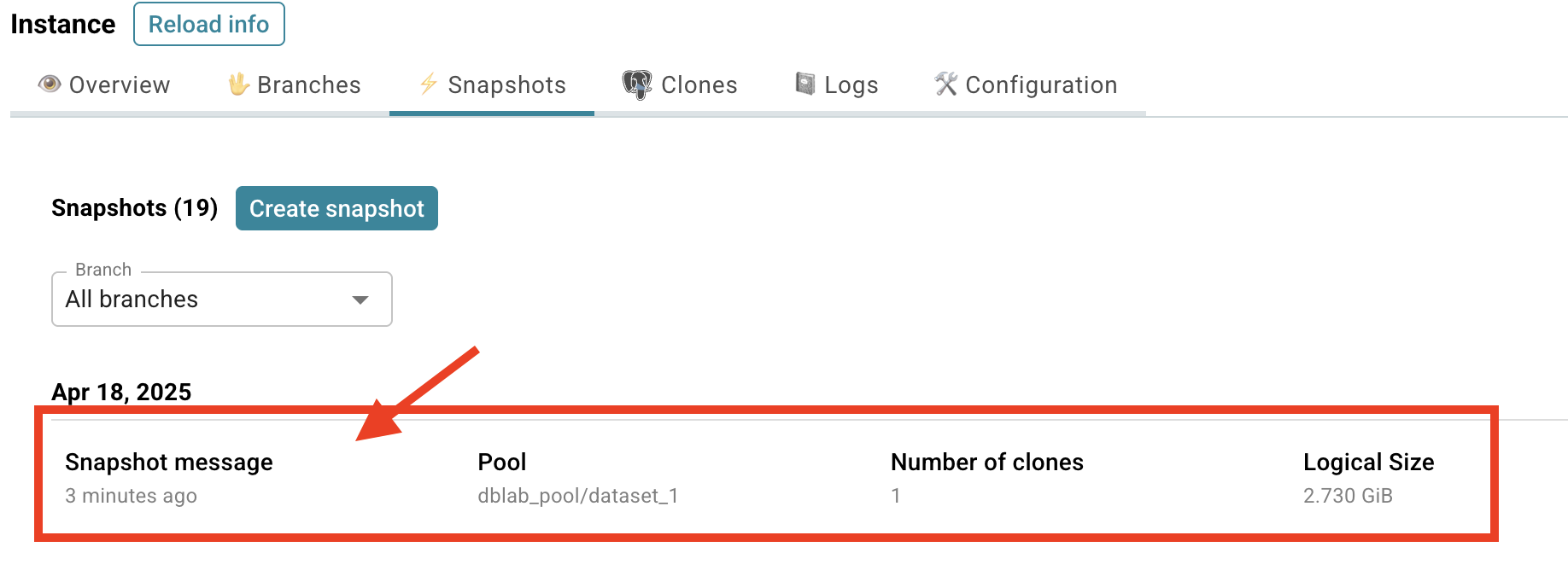
- Choose the Snapshots tab.
- Click on the snapshot you want to delete.
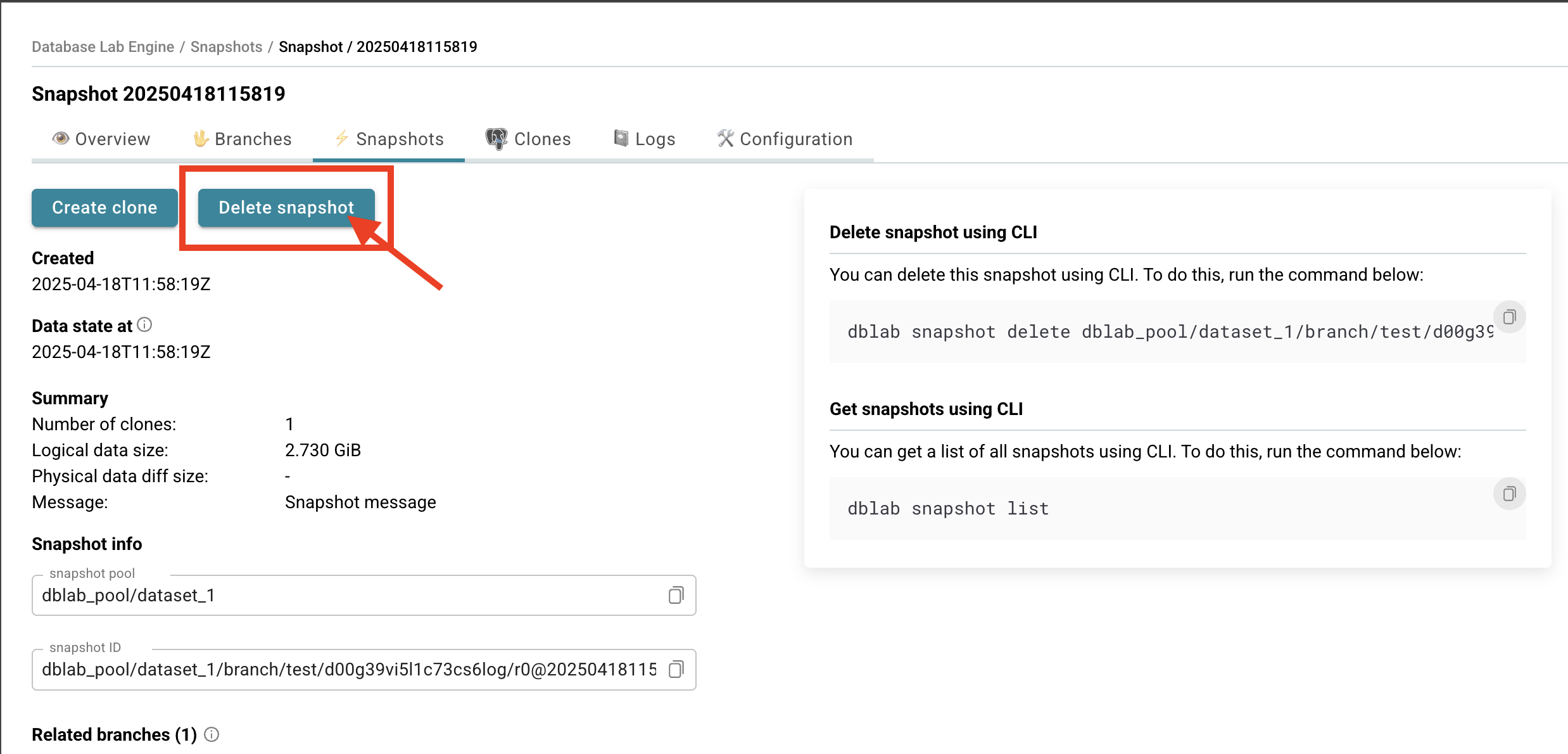
- Click Delete snapshot.
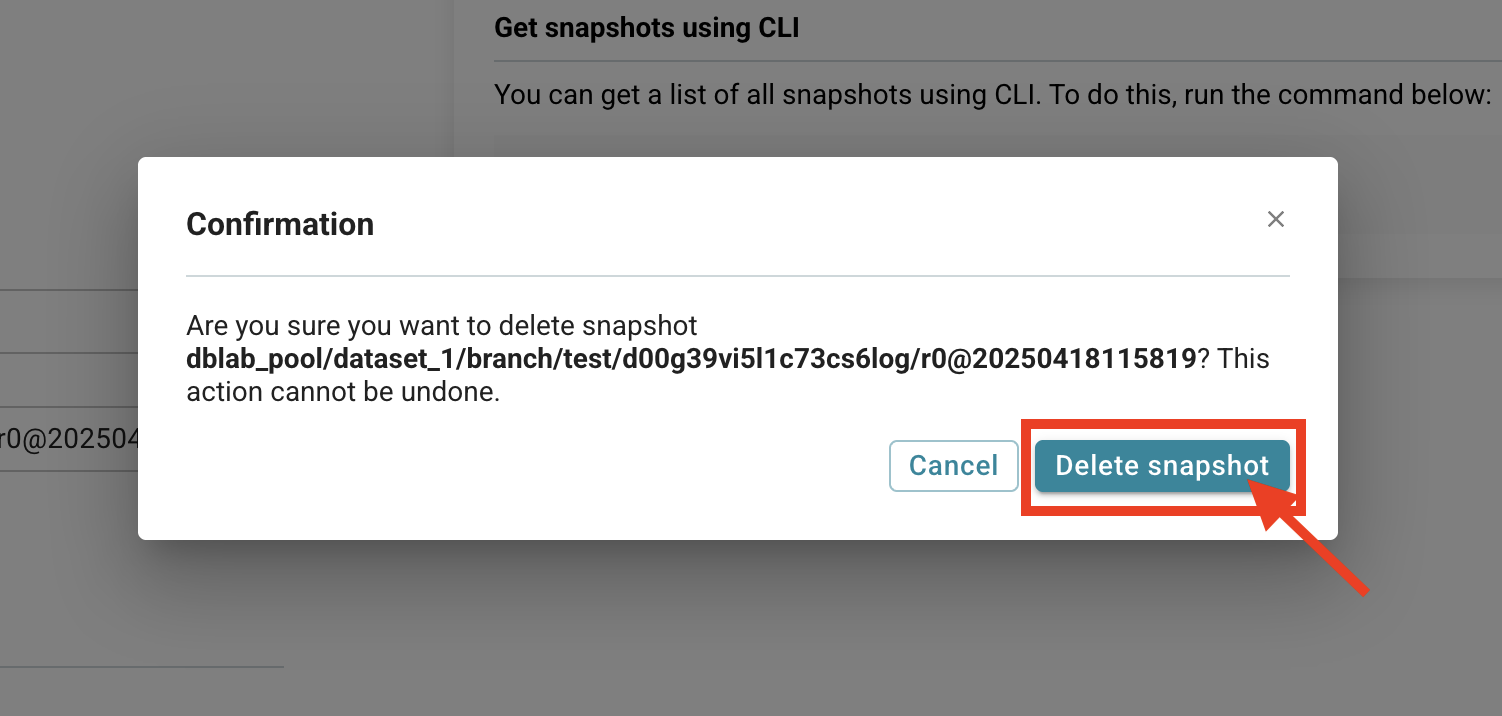
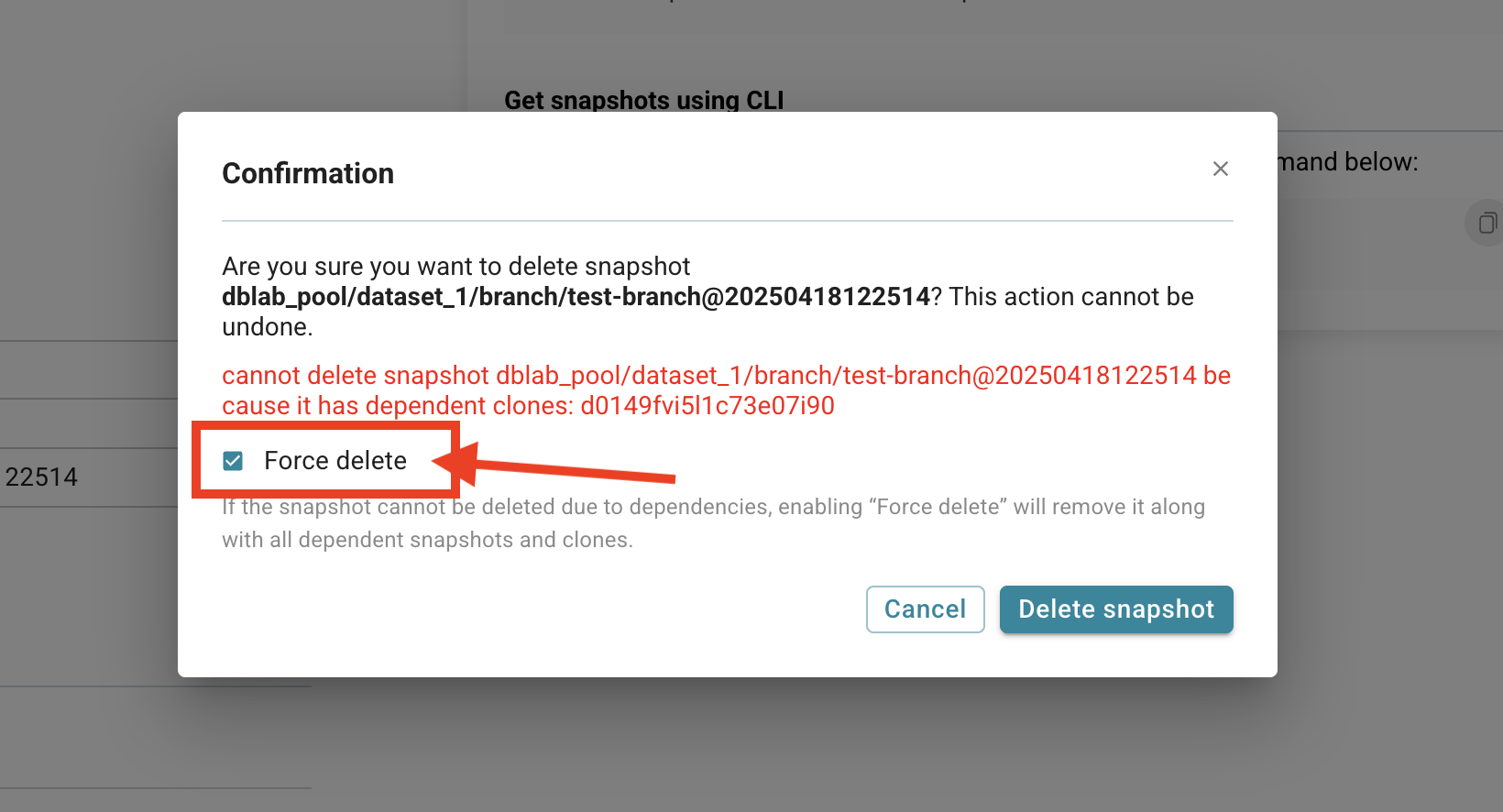
- You will be asked to confirm the deletion.
- If the snapshot has dependent clones, you can force-delete it.
CLI
Before you run any commands, install Database Lab CLI and initialize configuration. For more information, see Install and initialize Database Lab CLI.
Reference
- Command
dblab snapshot delete
Delete snapshot
Delete a snapshot with the dblab snapshot delete command.
$ dblab snapshot delete SNAPSHOT_ID
If the snapshot has dependent clones, you can force-delete it via the GUI (see screenshots above) or via the API (DELETE /snapshot/{id}?force=true).
Protect a snapshot from deletion (DBLab Engine 4.2+)
A protected snapshot cannot be deleted manually and is skipped by the automatic retention sweep. Protection uses the same lease grammar as clone protection: a number of minutes or a duration such as 30m, 2h, 7d; true or 0 for no expiry; false to remove it. Branches and snapshots have no default lease. When the administrator sets retention.protectionMaxDurationMinutes (no cap by default), true and 0 yield a lease equal to that cap and longer requests are shortened to it.
GUI
On the Database Lab snapshot page, set the Deletion protection dropdown to the desired duration.
CLI
Reference: dblab snapshot update.
# Protect for 7 days
$ dblab snapshot update --protected 7d SNAPSHOT_ID

# Remove protection
$ dblab snapshot update --protected false SNAPSHOT_ID
API
curl -X PATCH \
  -H "Verification-Token: YOUR_TOKEN" \
  -H "Content-Type: application/json" \
  -d '{"protected": true, "protectionDurationMinutes": 10080}' \
  "http://localhost:2345/snapshot/SNAPSHOT_ID"
Automatic deletion of unused snapshots (DBLab Engine 4.2+)
When retention.unusedSnapshotMinutes is set to a non-zero value in server.yml, the engine deletes a snapshot that has stayed unused for that long. Only user snapshots (on branches or created from clones) are considered, and only leaf ones: a snapshot with clones, child snapshots, or one that is a branch head or fork point is never removed, and nothing is force-deleted. The automatic pool-level snapshots created by data retrieval and the physical _pre snapshots are not covered by this sweep; they are managed separately (in physical mode by physicalSnapshot.options.scheduler.retention, in logical mode by the cleanup that runs on each full refresh). The timer starts when the sweeper first sees the snapshot unused and is cleared if a dependent appears. Protected snapshots are never removed. The setting is off by default, and enabling it requires an engine restart. See the retention section of the configuration reference.
Related
- Guide: Create a snapshot
- Guide: Protect clones from deletion